Every team I've worked with has had some version of this Slack message: "seeing a burst of 502s, did someone just deploy?" The deploy "worked" — the new version is up, the dashboard is green — but for ten or twenty seconds, real users got errors. Multiply that by every deploy, every day, and you've trained your team to fear shipping, which is the most expensive bug of all.
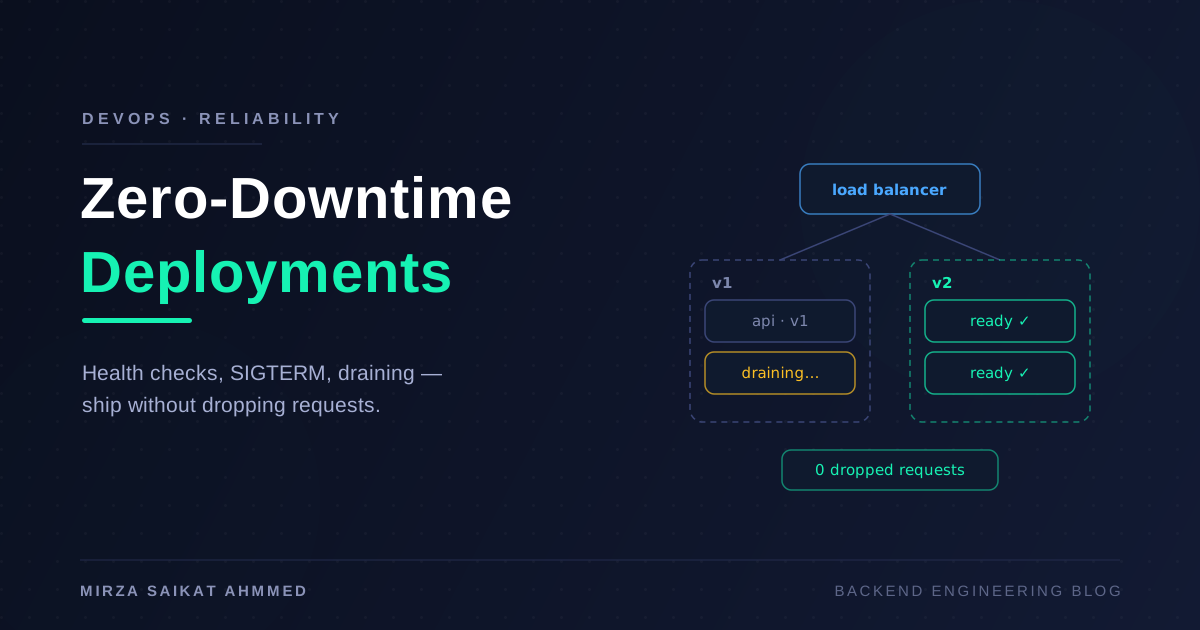
The fix isn't a fancier platform. Zero-downtime deployment is a contract between three parties: the application must report honestly when it's ready and shut down gracefully when asked; the load balancer must stop sending traffic before a process dies; and the orchestrator must sequence old-version teardown against new-version readiness. Miss any one of the three and you drop requests. This post walks through all three, with the NestJS and Node specifics I actually use.
Where the dropped requests actually come from
When a deploy causes errors, it's almost always one of four failure modes:
- Traffic arrives before the app is ready. The container is "running" but Nest is still wiring modules, the DB pool is still connecting — and the load balancer already routed a request to it. Result: connection refused or a 500.
- The process is killed with requests in flight. The orchestrator sends SIGKILL (or the app ignores SIGTERM), and every request that was mid-handler dies with it. Result: 502s and half-committed work.
- The load balancer keeps routing to a dying instance. The app got SIGTERM and stopped accepting, but the LB's picture of the backend is a few seconds stale. Result: connections to a closed socket.
- Keep-alive connections are severed. The LB holds persistent connections to the backend; the backend closes them abruptly and the LB fails the request it was about to send down that socket.
Notice that none of these are exotic. They're all timing gaps in the ordinary lifecycle, which is why the fixes are all about sequencing, not cleverness.
Readiness vs liveness: two different questions
Health checks fix failure mode #1, but only if you keep two concepts separate:
- Liveness — "is this process broken beyond recovery?" If it fails, the orchestrator restarts the container. It should check almost nothing: the event loop responds, the process is alive. If your liveness check pings the database, a DB outage will make the orchestrator restart perfectly healthy app instances in a loop, turning a dependency incident into a full outage.
- Readiness — "should this instance receive traffic right now?" This one should check dependencies: DB pool connected, migrations applied, message consumer subscribed. Failing readiness takes the instance out of rotation without killing it.
In NestJS, @nestjs/terminus gives you the indicator toolkit:
// health.controller.ts
import { Controller, Get } from "@nestjs/common";
import {
  HealthCheck,
  HealthCheckService,
  TypeOrmHealthIndicator,
} from "@nestjs/terminus";

@Controller("health")
export class HealthController {
  constructor(
    private health: HealthCheckService,
    private db: TypeOrmHealthIndicator,
  ) {}

  @Get("live")
  @HealthCheck()
  liveness() {
    return this.health.check([]); // process is up — that's the whole check
  }

  @Get("ready")
  @HealthCheck()
  readiness() {
    return this.health.check([
      () => this.db.pingCheck("database", { timeout: 1500 }),
    ]);
  }
}
Terminus returns 200 when every indicator passes and 503 when any fails, which is exactly the signal load balancers and orchestrators understand. Keep the readiness timeout tight — a readiness probe that takes 10 seconds to fail is 10 seconds of traffic routed to an instance that can't serve it.
Graceful shutdown: taking SIGTERM seriously
Failure modes #2 and #4 are fixed in the application. Every orchestrator — Kubernetes, Docker, systemd — follows the same protocol: send SIGTERM, wait a grace period (Docker defaults to 10 s, Kubernetes to 30 s), then SIGKILL. Your job is to finish up inside that window.
A correct shutdown sequence for a Node HTTP service is:
- Stop accepting new connections —
server.close()does this: it closes the listener but lets in-flight requests complete. - Start failing the readiness check — so the LB stops choosing you (more on ordering below).
- Finish in-flight requests, with a deadline in case one hangs.
- Close outbound resources — DB pools, Redis clients, queue consumers — after the requests that use them are done.
- Exit 0.
NestJS has lifecycle hooks for exactly this, but they're off by default. Turn them on:
// main.ts
const app = await NestFactory.create(AppModule);
app.enableShutdownHooks(); // subscribe to SIGTERM/SIGINT
await app.listen(4000);
With hooks enabled, SIGTERM triggers app.close(): Nest closes the HTTP server (in-flight requests drain), then walks your providers calling their shutdown hooks, where you release resources:
// database.service.ts
@Injectable()
export class DatabaseService implements OnApplicationShutdown {
  async onApplicationShutdown(signal?: string) {
    await this.pool.end(); // waits for checked-out clients, then closes
  }
}
Two Node-specific traps I've hit:
server.close()doesn't touch idle keep-alive connections. An idle persistent connection from the LB keeps the server alive until it times out — and worse, the LB may send a request down it after you decided to close. Node 18.2+ addedserver.closeIdleConnections(); call it afterclose(). Nest does the right thing on modern versions, but if you manage the server yourself, this is on you.- Dockerfile
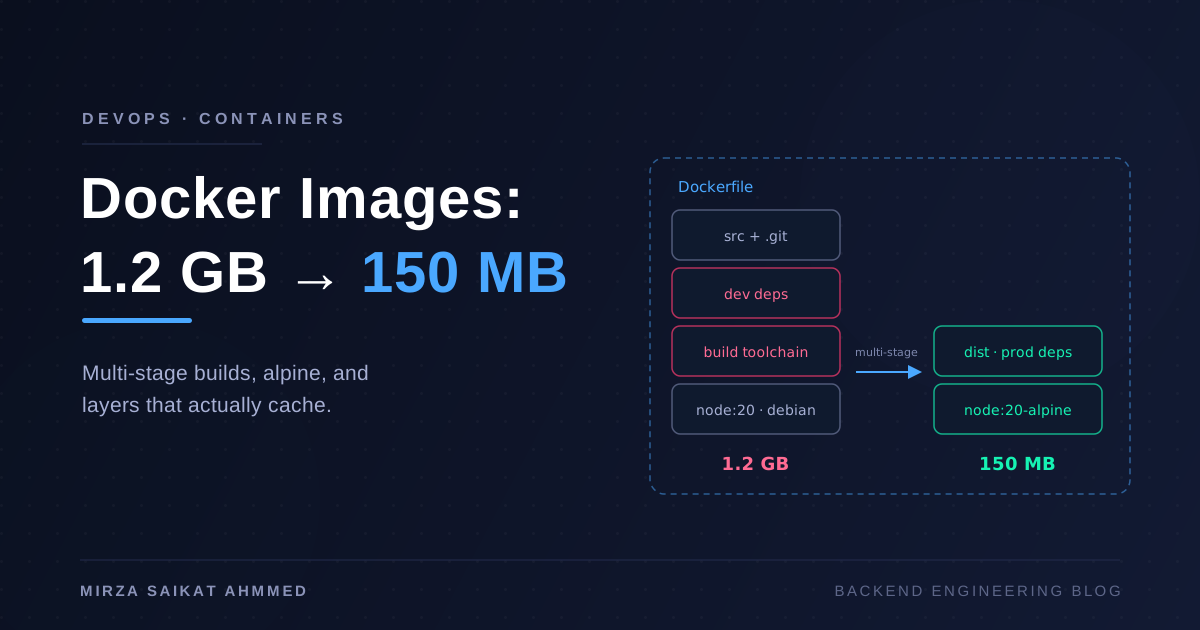
CMDshell form eats signals.CMD npm startruns your app as a child of a shell (and npm), and SIGTERM often never reaches Node — so every stop is a 10-second wait then SIGKILL. Use exec form, run Node directly:CMD ["node", "dist/main.js"]. I covered this and its image-size cousins in Docker image optimization.
And a hard-won ordering rule: fail readiness first, keep serving, then close. The load balancer's view of your backend is always slightly stale. If you close the listener the instant SIGTERM arrives, requests routed in that stale window hit a dead socket. The robust pattern is: on SIGTERM, flip readiness to 503, keep serving normally for a few seconds (longer than your LB's health-check interval), and only then run the close sequence. In Kubernetes the idiomatic version is a preStop sleep:
lifecycle:
  preStop:
    exec:
      command: ["sleep", "8"]
Eight seconds of "still serving, but marked not-ready" gives every LB in the chain time to route around you before a single connection is refused.
Draining at the load balancer
The application can only cooperate; the load balancer has to actually use the signals. Whatever sits in front — nginx, HAProxy, an ALB, kube-proxy — the requirements are the same:
- Active health checks against
/health/ready, frequent enough that the "stale window" is short. I run them every 3–5 seconds with 2 consecutive failures to eject. - Connection draining (a.k.a. deregistration delay): when a backend is removed, established connections get a grace period to complete instead of being reset. ALBs default to 300 s, which is usually far more than needed; I set it near my app's shutdown deadline.
- Retry idempotent requests on the next upstream. In nginx,
proxy_next_upstream error timeoutmeans a request that hits a just-closed backend gets transparently retried on a live one — this papers over the last few milliseconds of any race. Be careful to only auto-retry idempotent methods.
With docker compose + nginx — the setup from my Next.js + NestJS monorepo deployment — the moving parts are compose's healthcheck plus start_period, and rotating containers one at a time:
services:
  api:
    image: ghcr.io/me/app/api:${TAG}
    healthcheck:
      test: ["CMD", "wget", "-qO-", "http://localhost:4000/health/ready"]
      interval: 5s
      timeout: 3s
      retries: 3
      start_period: 15s
    stop_grace_period: 30s
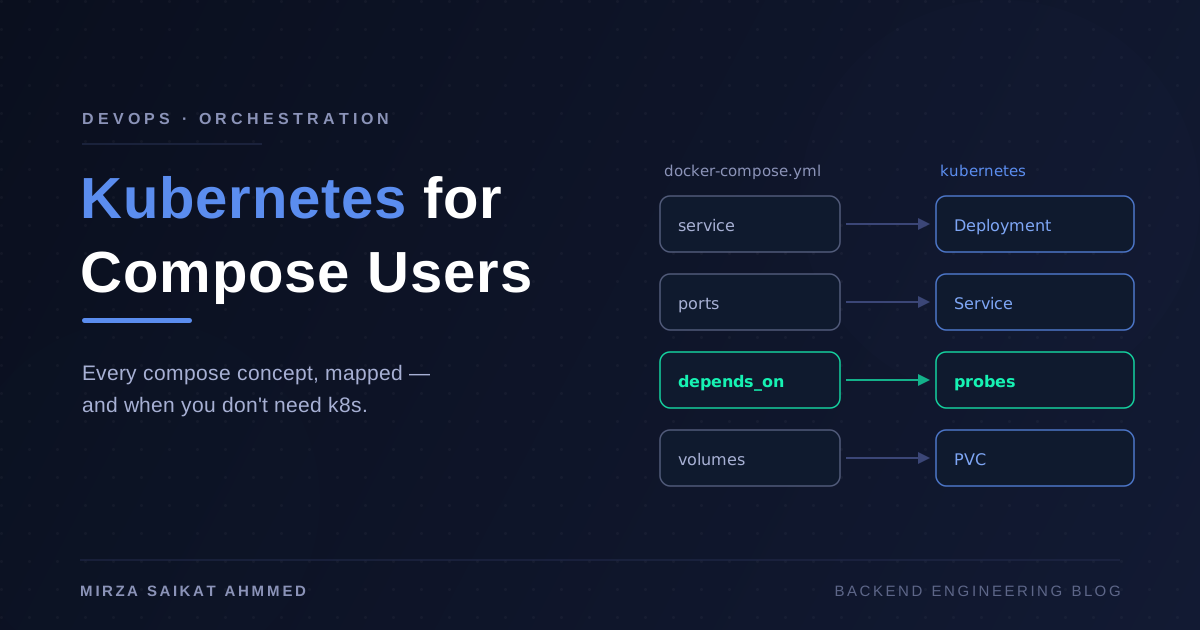
start_period stops slow cold-starts from being counted as failures, and stop_grace_period widens Docker's default 10-second SIGTERM window to fit your drain time. Compose alone won't do a coordinated rollout across replicas, though — you either script it (start new, wait healthy, stop old), use docker rollout, or accept that this is the point where Kubernetes, Swarm, or Nomad starts paying for its complexity: kubectl rollout natively does "new pod Ready before old pod receives SIGTERM," which is the whole dance, automated.
Rolling vs blue-green vs canary
Graceful shutdown and draining are table stakes for any strategy. The strategies differ in how they sequence versions and what a rollback costs:
| Rolling | Blue-green | Canary | |
|---|---|---|---|
| How it works | Replace instances one batch at a time | Full copy of new version, switch traffic at once | Route a small % to new version, ramp up |
| Capacity needed | ~1 extra instance | 2× everything | ~1 extra instance |
| Both versions live? | Yes, during rollout | Only at the switch instant | Yes, deliberately and longer |
| Rollback speed | Re-roll backwards (minutes) | Instant — flip traffic back | Instant — drop the canary |
| Catches bad releases by | Health checks failing | Smoke tests before the switch | Real traffic + metrics comparison |
| Main cost | Version-compat requirement during overlap | Double infrastructure, stateful-service awkwardness | Metrics maturity — useless if you can't compare error rates |
The honest guidance: rolling is the default and what Kubernetes gives you out of the box; its hidden requirement is that N and N+1 must coexist against the same database, so schema changes have to be backward-compatible (expand → deploy → contract). Blue-green buys instant rollback at the price of doubled infrastructure — great for small fleets, painful for stateful ones. Canary is the only strategy that catches the bugs your test suite can't, but it's a waste of effort until your observability can actually answer "is the canary's p99 and error rate worse?" If you're running the kind of microservice fleet where one bad release fans out into cascading failures, canary graduates from nice-to-have to necessary.
I run rolling everywhere by default, and add canary only on the services where a bad deploy is expensive enough to justify the metrics plumbing.
Wrapping up
Zero-downtime deployment sounds like a platform feature you buy, but it's mostly application behavior you write: a readiness endpoint that tells the truth, a liveness endpoint that checks almost nothing, enableShutdownHooks() plus a SIGTERM sequence that drains before it dies, and a Dockerfile that actually delivers the signal. Layer the load balancer's half on top — frequent readiness probes, connection draining, the fail-ready-then-close ordering — and rolling deploys quietly stop producing 502s.
My test for whether it's really working is brutal and simple: run a load test, deploy in the middle of it, and count non-2xx responses. The first time I did this, the answer was embarrassing. Now it's zero, and deploys happen at 2 p.m. on a Tuesday without anyone watching a dashboard — which was the actual goal all along.
Working on something like this?
I take on backend, payments and deployment projects. I reply within one working day.